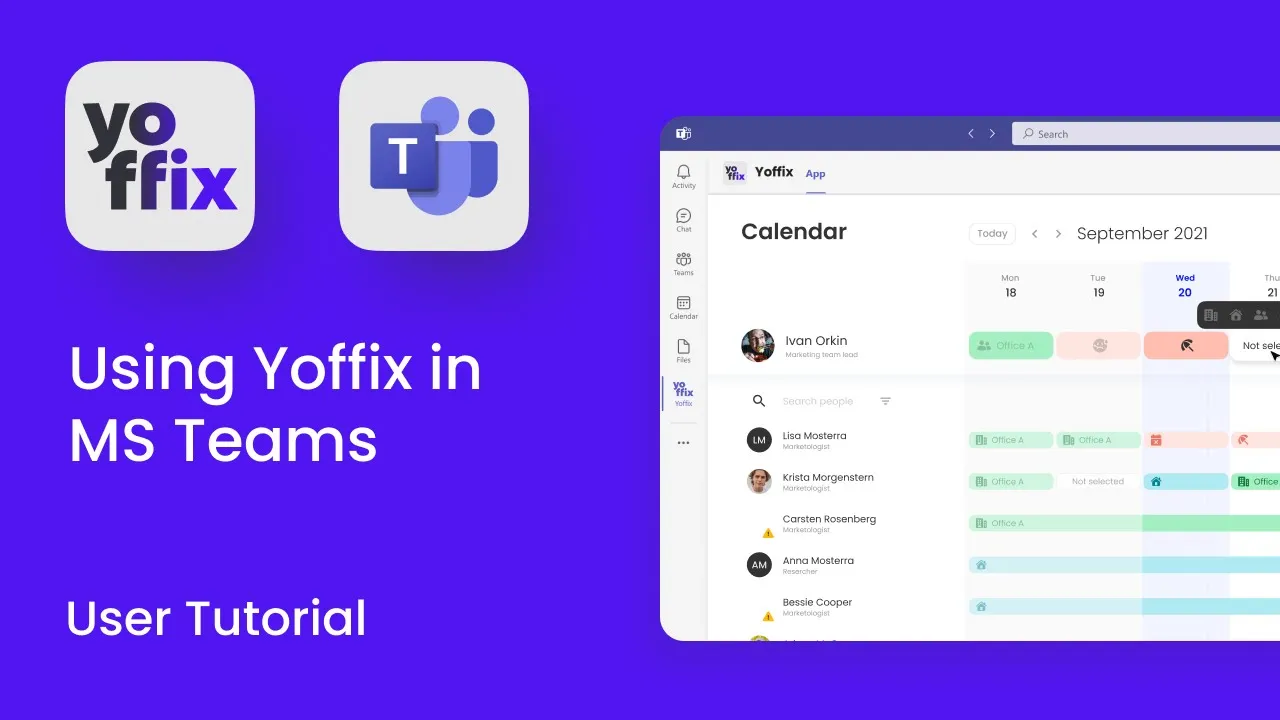
How to connect and use Yoffix in Microsoft Teams
The Yoffix Microsoft Teams integration allows you to manage desk booking, room scheduling, and hybrid attendance directly inside Microsoft Teams.
You don’t need to switch tools. Yoffix runs natively within your Microsoft 365 environment and mirrors the full functionality of the desktop version.
What the Microsoft Teams Integration Does
Once installed, Yoffix in Microsoft Teams allows you to:
Plan office and remote days in a shared team calendar
Book desks, parking spaces, and meeting rooms
Coordinate office presence with your team
View real-time office occupancy
Manage recurring bookings
Access admin settings (for authorized users)
All bookings are synchronized in real time with Outlook and your Microsoft 365 environment.
Installation via Microsoft AppSource
Yoffix is available in Microsoft AppSource.
To install:
Open Microsoft Teams
Go to Apps
Search for “Yoffix” or “desk booking”
Click Add
Depending on your organization’s policies, admin approval may be required.
Once installed, no additional configuration is required for standard use. The integration works directly within your Microsoft environment.
Video Tutorial for MS Teams
To learn more about using Yoffix in MS Teams, check out our video tutorial.
Signing in without a Yoffix account
If you open Yoffix in Microsoft Teams before your company has created an account for you, the sign-in screen looks you up and tells you what to do next. Instead of a login that cannot succeed, you get a prompt to request an invitation from your admin. Once the admin sends it, sign in again with the same Microsoft account.
Core Interfaces in Microsoft Teams
The Microsoft Teams app provides the same interfaces as the desktop version.
1. Calendar – Plan Your Work Week
In the calendar view, you can:
Coordinate office days with your team
See when colleagues are in the office
Book recurring office days
Add remote work days
Reserve desks and parking spaces
Create team events with automatic desk reservations
This supports structured hybrid work planning directly inside Teams.
2. Spaces – View Office Layout & Occupancy
The Spaces view allows you to:
See your office floor plan
Check who is in the office on a specific day
Book desks for yourself (or others, if authorized)
Book meeting rooms and phone booths
View desk attributes (e.g., quiet zone, monitor setup)
Access daily occupancy statistics
3. Rooms – Book Meeting Rooms
The Rooms interface allows you to:
View available rooms by location
Book rooms with drag-and-extend functionality
Add descriptions and online meeting links
Invite participants
See whether attendees are scheduled to be in the office
Room bookings are synchronized with Outlook calendars.
4. Profile & Notifications
In your profile, you can:
Set language preferences
Choose notification channels
Define visibility and data-sharing settings
Under Activity, you receive:
Weekly planning reminders
Booking confirmations
Check-in notifications (if enabled by your organization)
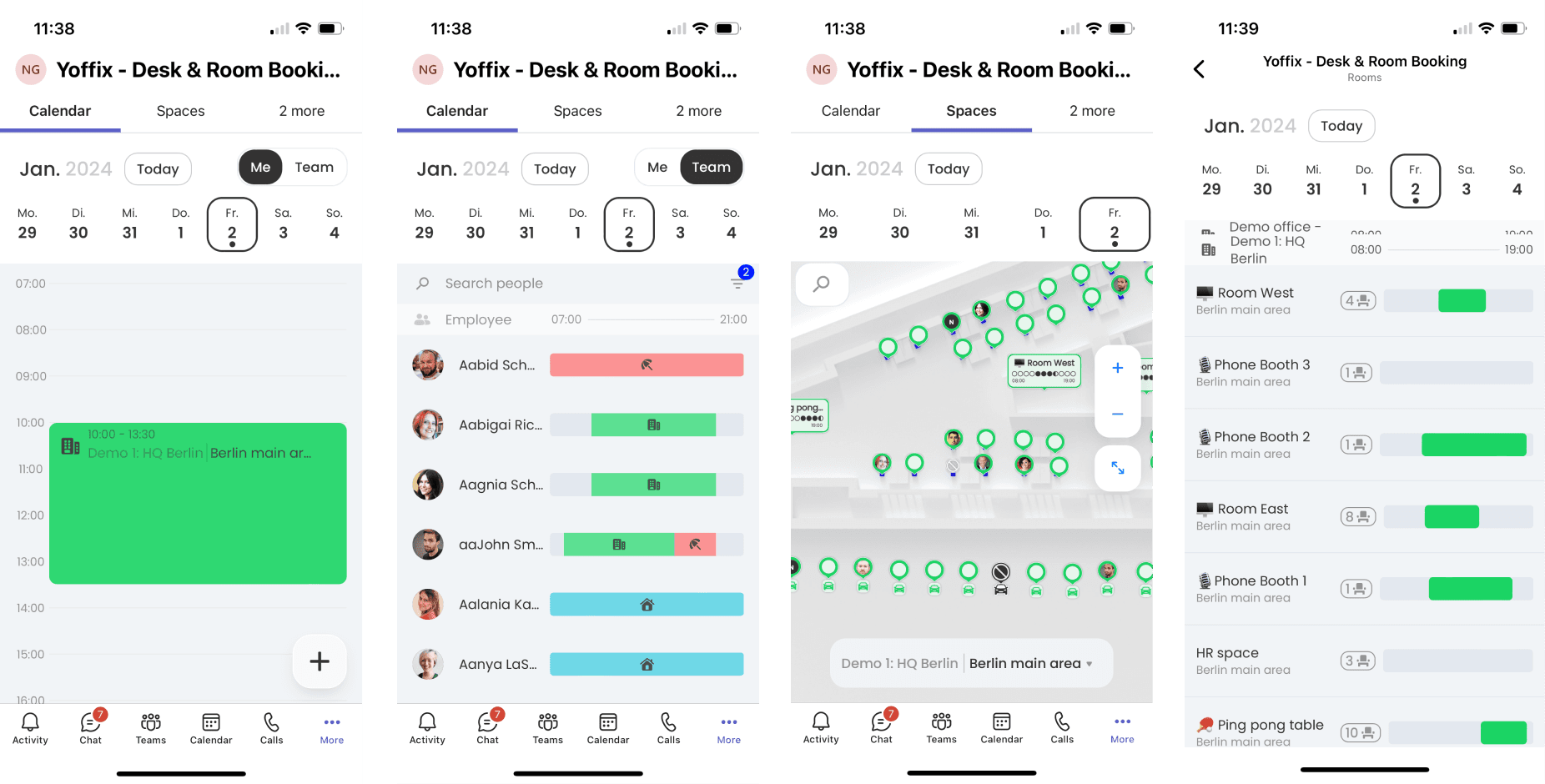
Yoffix in Microsoft Teams on Mobile
Yoffix can also be used within the Microsoft Teams mobile app.
All key features available on desktop are accessible on mobile, allowing you to manage desk booking and hybrid planning from anywhere.
Why Use Yoffix Inside Microsoft Teams?
Using Yoffix directly in Microsoft Teams ensures:
High user adoption (no new tool to learn)
Seamless Microsoft 365 integration
Real-time synchronization with Outlook
Reduced coordination friction in hybrid teams
Secure access via Microsoft authentication
It keeps hybrid workplace management inside the collaboration tool your teams already use every day.