How to deliver a future-proof HQ
at minimal cost

How to deliver a future-proof HQ at minimal cost

Opening a new headquarters is a strategic decision, not just a logistics project. The companies getting it right plan with data, digitize from day one, focus on employee experience and build in the flexibility to keep delivering results long after opening day.

Up to 30% lower office related costs

>70% office utilization

One platform for every element of your new HQ

4.8

4.8

Collect data

Start in your current office

Most HQ sizing decisions are made on assumptions. The smartest facility teams validate those assumptions before signing the lease by analyzing office attendance data and initiating intensive internal discussion.

Analyze attendance and office/zones utilization

Interview teams on their preferences

Model different utilization & hybrid work scenarios

Get the zone mix right before layout is final

Outcome: Size the new HQ on evidence, not on estimates.

Manage with ease

One system to run your entire office
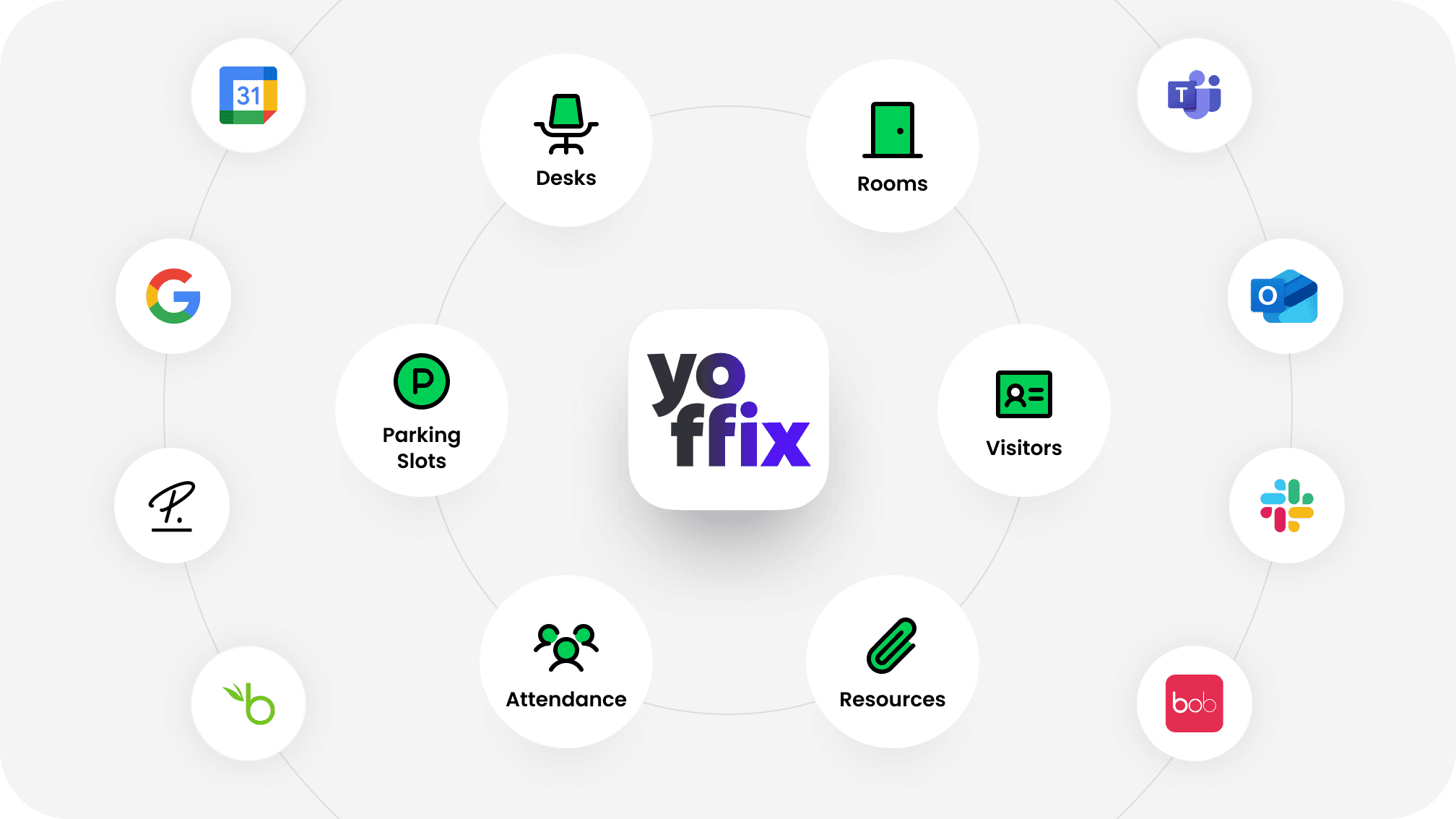
A new HQ is the right moment to consolidate. Most organizations open with four to six disconnected tools covering desks, rooms, parking, visitors, and service requests. Yoffix replaces that stack with one system, one source of utilization data, and one booking experience for every employee.

A new HQ is the right moment to consolidate. Most organizations open with four to six disconnected tools covering desks, rooms, parking, visitors, and service requests. Yoffix replaces that stack with one system, one source of utilization data, and one booking experience for every employee.

Yoffix logo at the center of a circle of icons for desks, rooms, visitors, parking, attendance, and resources, surrounded by logos of Microsoft Teams, Outlook, Slack, Google, Personio, BambooHR, and HiBob, showing Yoffix as the digital layer connecting the office.

Everything in one place

Desks, rooms, parking spaces, lockers, resources, visitors, and office requests are all managed in one admin interface. One set of rules, one dashboard, one source of truth.

Eliminate complexity

Employees book and coordinate directly from Microsoft Teams and Outlook, using tools they already know. No new app to learn, no separate login, no behavior change required.

Insights that compound

Every booking, check-in, and sensor reading becomes utilization data. Over time this tells you exactly how your office is used and where to optimize, without manual reporting.

Engage employees

>70% office utilization

>70% office utilization

>70% office utilization

Make your office the place to be

People come to the office for collaboration, connection, and productivity—not for empty desks or missed opportunities. Yoffix helps teams coordinate attendance, connect with the right colleagues, and create office days that deliver real value for employees and the business.

Orchestrate team presence and shared office days

Match workspace to tasks and working styles

Share office news and events to bring people in

Drive attendance through coordination & data, not mandate

Stay flexible

Built to adapt as your business evolves

Built to adapt as your business evolves

Built to adapt as your
business evolves

Make your HQ flexible enough to last

The HQ you open today needs to serve you in five, ten and probably twenty years. Hybrid policies will evolve and headcount will shift. A flexible digital layer means you adjust configuration, not construction.

Reconfigure zones and booking rules anytime

Adjust desk sharing ratios as teams grow

Add or remove modules as requirements change

Scale from one floor to multiple sites

Optimize costs

Up to 30% reduction on office related costs

Up to 30% reduction on office related costs

Up to 30% reduction on office related costs

Make your HQ financially efficient

Right-sizing reduces your real estate investment so budget goes toward a better office rather than excess space. Data-driven decisions on running costs keep the savings going after opening day.

Lower spending by committing only to space you need

Cut running costs: catering, cleaning, electricity

Manage office expenses at a granular level by zone

Build the business case with real occupancy data

Run the numbers for your organization in our office space calculator

Perfectly integrated

Perfectly integrated

Perfectly integrated

The key elements of a future-ready HQ

A modern headquarters is defined by how well its physical space connects to the people using it. Here is what that digital layer looks like.

User experience

Easy booking of resources and full transparency of attendace.

Room displays

Connect displays to show room availability, book on-the-spot or check in.

Digital signage

Show live desk and room availability, wayfinding, and office updates across building screens.

Parking management

Automate parking space booking so employees can reserve a spot as part of their morning check-in.

Locker management

Assign personal or shared lockers alongside desk bookings so storage is organized across the office.

Smart access system

Manage office access integrated with attendace scheduling and desk booking.

Catering and FM

Order catering alongside bookings and manage service requests from one place.

AV and hardware

Connect room bookings to your AV setup so rooms are ready when employees walk in.

Occupancy sensors

Validate booking data and track real space usage without requiring employees to check in.

What customers say

about Yoffix

What customers say

about Yoffix

What customers say

about Yoffix

Award-winning workplace management app
OMR badge top rated  workplace management 2026
Capterra badge best value 2026
Capterra badge best ease of use 2026
Software advice badge front runners 2026
Software advice badge best customer support 2026

4.8

4.8

See how Yoffix sets up your new office for success

Get a walkthrough of how Yoffix helps you plan desk ratios, configure zones, and drive adoption before your new office opens.

Get a custom quote for your workplace

Every office is different. Tell us about your setup – the number of users, the features you need, or any other special requirements. We'll send you a tailored proposal with pricing, implementation timeline, and answers to your questions.

Response within 24 hours

Custom pricing based on your needs

No obligation

Frequently asked questions

How do I determine the right number of desks for a new office?

The standard approach is to establish a target desk sharing ratio based on your hybrid attendance data, typically expressed as the number of desks per employee. In practice, the right ratio varies significantly by team, role, and attendance policy. For organizations without historical booking data, Yoffix provides utilization modeling tools to run desk demand scenarios based on team sizes, expected attendance frequency, and planned hybrid policy. This gives facility teams a defensible starting point for the floor plan rather than relying on estimates or benchmarks from other organizations.

How do I determine the right number of desks for a new office?

How do I determine the right number of desks for a new office?

When should workplace management software be configured for a new HQ?

Ideally, the platform is configured during the fit-out phase, before the office opens. This allows you to import the floor plan, define zones and desk types, configure booking rules, connect to your identity provider, and run a pilot with a small user group ahead of launch. Starting at opening day without booking infrastructure in place typically results in weeks of unmanaged usage that is difficult to recover from, and means the first utilization data you collect reflects disorganized habits rather than genuine demand.

When should workplace management software be configured for a new HQ?

When should workplace management software be configured for a new HQ?

How can we make employees want to use the new office?

Research consistently shows that employees come into the office when they expect to find colleagues there. Coordination tools, specifically the ability to see who is planning to come in on a given day, are more effective at driving attendance than mandates or perks alone. Yoffix shows employees their team's planned presence in real time, giving them a concrete reason to align their schedule with colleagues. Making the logistics frictionless also helps: when employees can book a desk, reserve a parking space, and order lunch in one place before leaving home, the decision to come in is easier.

How can we make employees want to use the new office?

How can we make employees want to use the new office?

What is a realistic desk sharing ratio for a 500+ employee company?

For organizations with a hybrid policy of two to three office days per week, desk sharing ratios of 0.6 to 0.7 desks per employee are common. This means a 600-person company might operate with 360 to 420 desks. The ratio depends on attendance distribution across the week, the proportion of employees in roles that require a fixed workstation, and the balance of collaboration zones relative to focus desks. Yoffix data shows that organizations moving from assigned desks to a shared model with proper booking infrastructure typically achieve 30% or more in real estate savings.

What is a realistic desk sharing ratio for a 500+ employee company?

What is a realistic desk sharing ratio for a 500+ employee company?

How does cost center allocation work for a shared office?

Yoffix supports cost center tagging at the user, team, and zone level. Each booking can be attributed to the relevant cost center automatically, based on the employee's profile or the zone they booked in. This allows facility managers to generate reports showing space usage and associated costs by department without any manual data collection. For companies running internal charge-back models for real estate costs, this data is available for export in standard formats.

How does cost center allocation work for a shared office?

How does cost center allocation work for a shared office?

Can Yoffix manage parking, lockers, and catering alongside desk booking?

Yes. Parking space booking, locker assignment, and catering integrations are available as part of the Yoffix platform. Employees can handle all of these in a single flow when planning their office day, and facility teams manage availability and allocation through the same admin interface used for desks and rooms. Parking management is available as a native module and through an integration with FairParking for organizations that require more advanced allocation logic.

Can Yoffix manage parking, lockers, and catering alongside desk booking?

Can Yoffix manage parking, lockers, and catering alongside desk booking?

What hardware should be part of a new HQ setup?

Room displays are the most common hardware addition alongside a workplace management platform. Yoffix supports E-Ink displays and full-color LED touchscreens. E-Ink displays are battery-powered and easy to install without cabling, while LED displays with NFC check-in are suited for high-traffic rooms where interactive functionality matters. Occupancy sensors can also be connected to validate booking data and identify how spaces are used between reservations. The right mix depends on your room types and the level of automation your facility team wants.

What hardware should be part of a new HQ setup?

What hardware should be part of a new HQ setup?