Hybrid attendance rules usually fix a headcount, not a pattern. A three-day mandate tells people how often to show up, not when, so Tuesday to Thursday fills past capacity while Monday and Friday sit half empty. Two people on the same three days can still miss each other entirely if their three days don’t match. The office ends up overcrowded for part of the week and pointless for the rest of it, and nobody set out to design it that way.
Anchor days fix a different variable: not how often people come in, but which day, and with whom.
What an anchor day actually is
An anchor day (also called a "team office day") is a recurring day a team agrees to be in the office together, set at the team level or company-wide. A marketing team might anchor on Tuesdays, finance on Wednesdays, and a cross-functional project team on Thursdays. The day repeats automatically once set, so nobody has to re-coordinate it week to week.
This differs from a blanket attendance policy. A policy sets a number: three days a week, say. An anchor day sets a day: the team’s Tuesday. The number alone says nothing about who else is in the building that day. The day does.
The collaboration case
The reason anchor days work where blanket mandates don’t comes down to overlap. Attendance without overlap just means people sitting in the same building on different schedules. Yoffix customers who move from unstructured attendance to anchor days with team zones report that meaningful team overlap doubles: roughly twice as many of their office days produce colleagues actually working together in person, not past each other. We go deeper into the research behind that effect, and how to build a full collaboration policy around it, in our guide to office collaboration.
The occupancy case
The part that gets less attention: anchor days also flatten the week. When every team picks its own fixed day instead of defaulting to the same two or three popular ones, demand spreads out instead of piling up midweek. Yoffix customers average 70% office utilization, a number that depends on demand being distributed across the week rather than stacked into it. A packed Wednesday and an empty Monday are the same underlying problem: an office sized for a pattern that attendance rules alone won’t produce. Anchor days are one of the few levers that shape the pattern itself, not just the headcount.
This is where the data stops being a report and starts being a decision. Utilization numbers show which days are overbuilt and which are empty, and that reading feeds directly back into which day a team anchors on. The pattern gets corrected because someone acted on what the data showed, not because the dashboard looked interesting.
Setting anchor days up in Yoffix
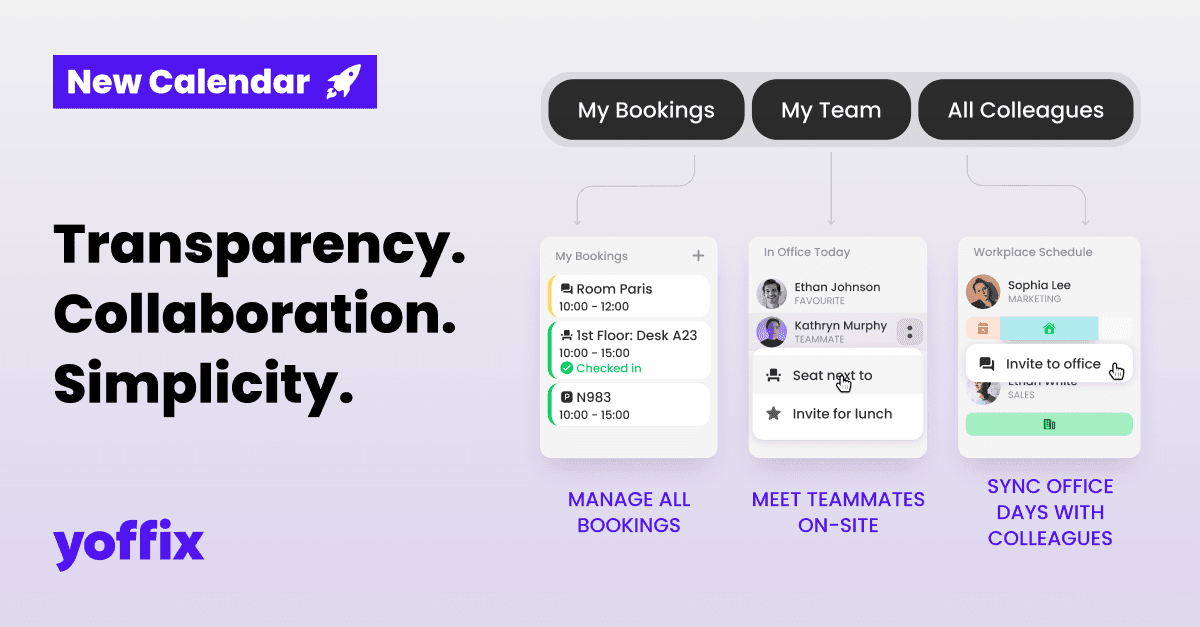
Anchor days are part of Yoffix’s Team Collaboration module. Admins can set them company-wide, and team leads can set them for their own teams. Once saved, every invited employee is automatically marked as in-office for that day and assigned a desk, either their usual spot or one inside the team’s zone, through Yoffix Desk Sharing, and notified through their preferred channel.
The workplace analytics dashboard tracks anchor day attendance per team alongside overlap and utilization. If a team’s anchor day shows strong overlap but weak utilization in its zone, that’s a sign to move the day, not just a number to file away. The anchor day gets adjusted based on what the data shows, rather than left to run once it’s set. Full setup steps are in the help center tutorial.
FAQ
Is a team office day the same as an anchor day?
Yes. Both describe the same feature: a recurring or one-off day a team books to be in the office together. “Anchor day” is the more common industry term; “team office day” describes the same thing.
How many anchor days should a team set?
Most teams start with one or two a week. The right number depends on how much of the team’s work genuinely needs to happen in person. Adding more anchor days than that risks recreating the overcrowding problem anchor days are meant to solve.
Do anchor days replace a return-to-office mandate?
They can work alongside one or instead of one. A mandate sets a minimum number of days; anchor days set which day a team comes in together. Many companies use both: a minimum day count company-wide, with team-level anchor days layered on top to make sure those days produce overlap. For the broader case on mandates versus coordinated presence, see our guide to return to office.
Can employees change their desk on an anchor day?
Yes. Employees are automatically assigned a desk, usually their usual one or one inside the team’s zone, but they can change it if needed.