At a glance
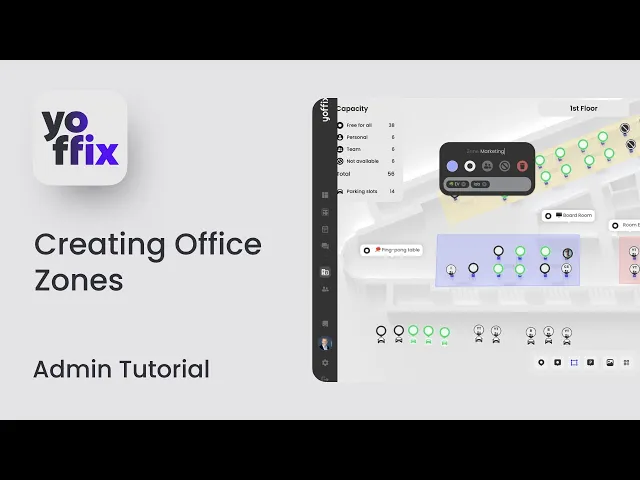
This tutorial explains how to create and use Zones in Yoffix to organize team seating and flexible office bookings.
What Are Zones?
Zones allow employees to book a specific area of the office instead of selecting an individual desk. This is ideal for:
Team seating areas
Department-based zones
Themed spaces (e.g., dual-monitor zone)
Flexible seating without fixed desks
Zones help structure collaboration while keeping booking simple.
How to Create a Zone
How to Book a Zone
Go to the Space Screen and select a date.
You can:
Select a zone
Choose your working hours
Book without picking a specific desk
Your booking will reserve a place within the selected zone.
Organize Team Events with Zones
Zones are especially useful for coordinated office days.
To create a team event:
Create a new booking.
Select Team Event.
Choose a zone.
Select participants.
Save the booking.
All invited colleagues will receive a notification and will be booked into the selected zone.
Why Use Zones?
Zones help you:
Coordinate team collaboration
Organize recurring office days
Avoid manual desk selection
Structure office areas by function or department
With Zones, teams can work together in the same area while maintaining flexible desk booking.